Dashboard Navigation
The Weebe vendor dashboard lives at seller.weebe.co. Navigation is via the left sidebar, which is always visible and expands each section in place.
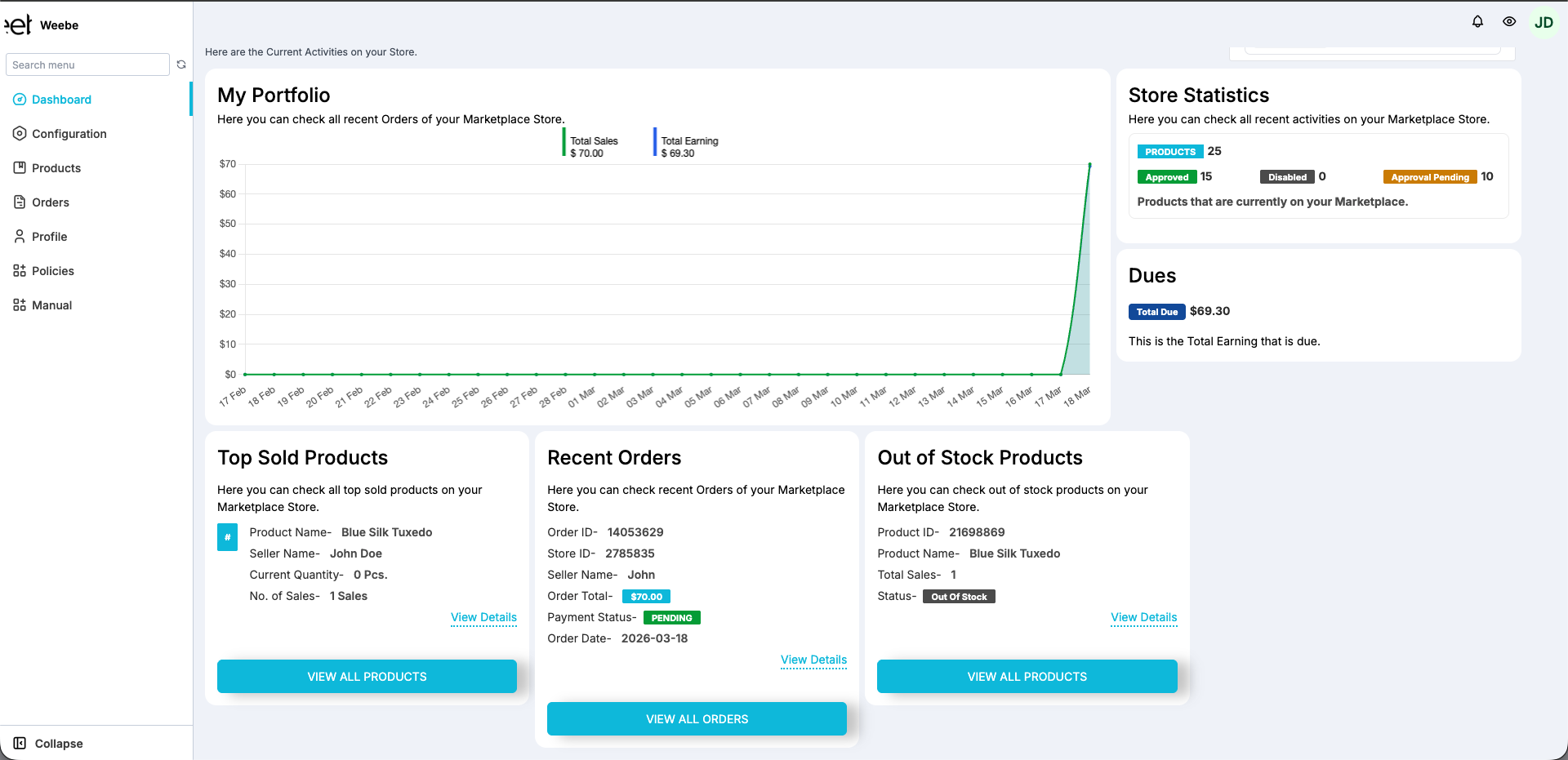
Left Sidebar
| Section | Sub-items | Purpose |
|---|---|---|
| Dashboard | — | Overview: sales graph, store statistics, earnings |
| Configuration | General Configuration, Invoice Configuration, WooCommerce Configuration, Shopify Configuration | Store settings and integrations |
| Products | Products Listing, Discount | Manage your catalogue |
| Orders | Orders Listing, Draft Orders, Automated Seller Invoice | View and fulfil orders |
| Profile | My Account | Account details, profile image, shop logo |
| Policies | — | Weebe marketplace policies |
| Manual | — | In-panel help reference |
Configuration
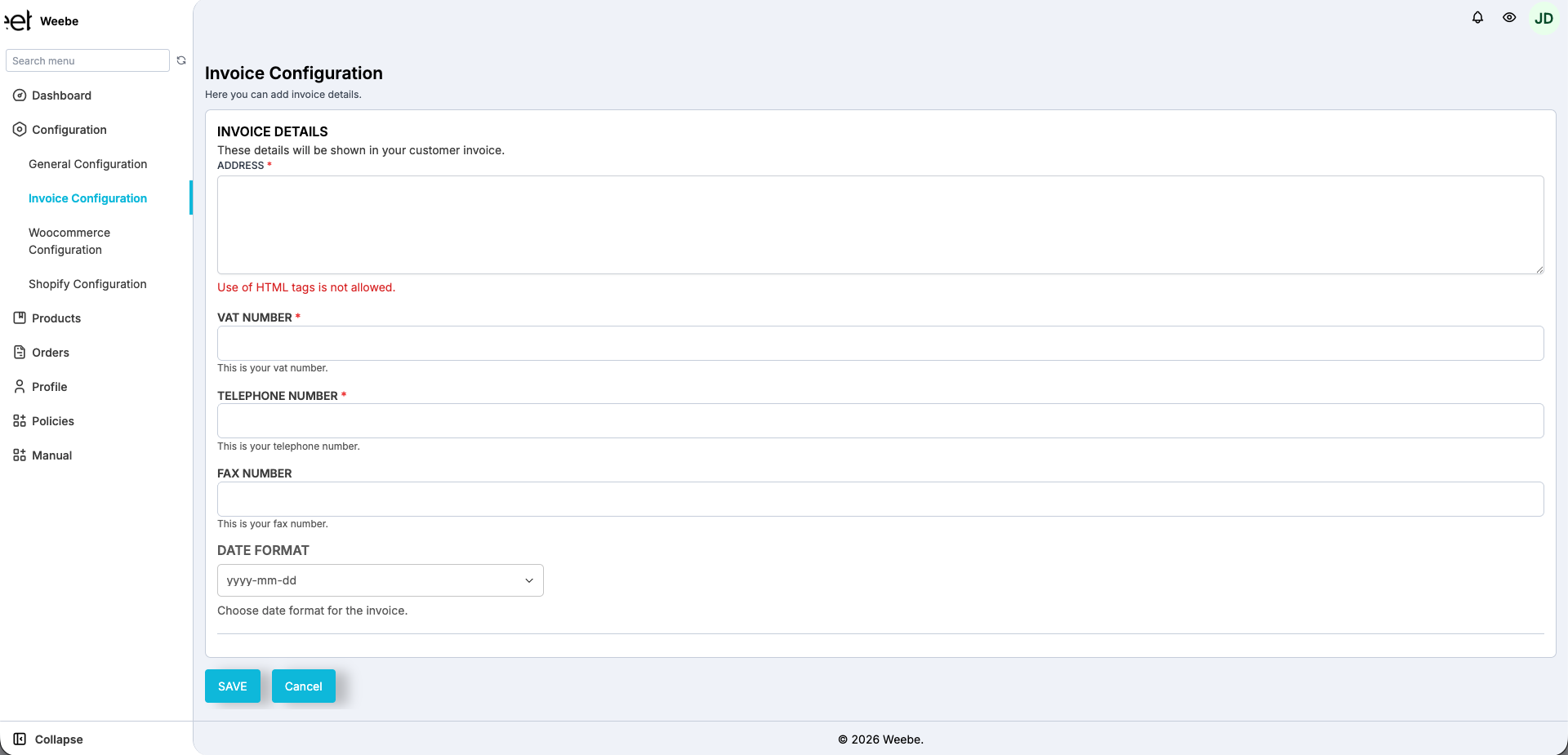
- General Configuration — toggle CC mail for order notifications
- Invoice Configuration — address, VAT number, telephone, fax, date format
- WooCommerce Configuration — connect your WooCommerce store
- Shopify Configuration — connect your Shopify store
Products
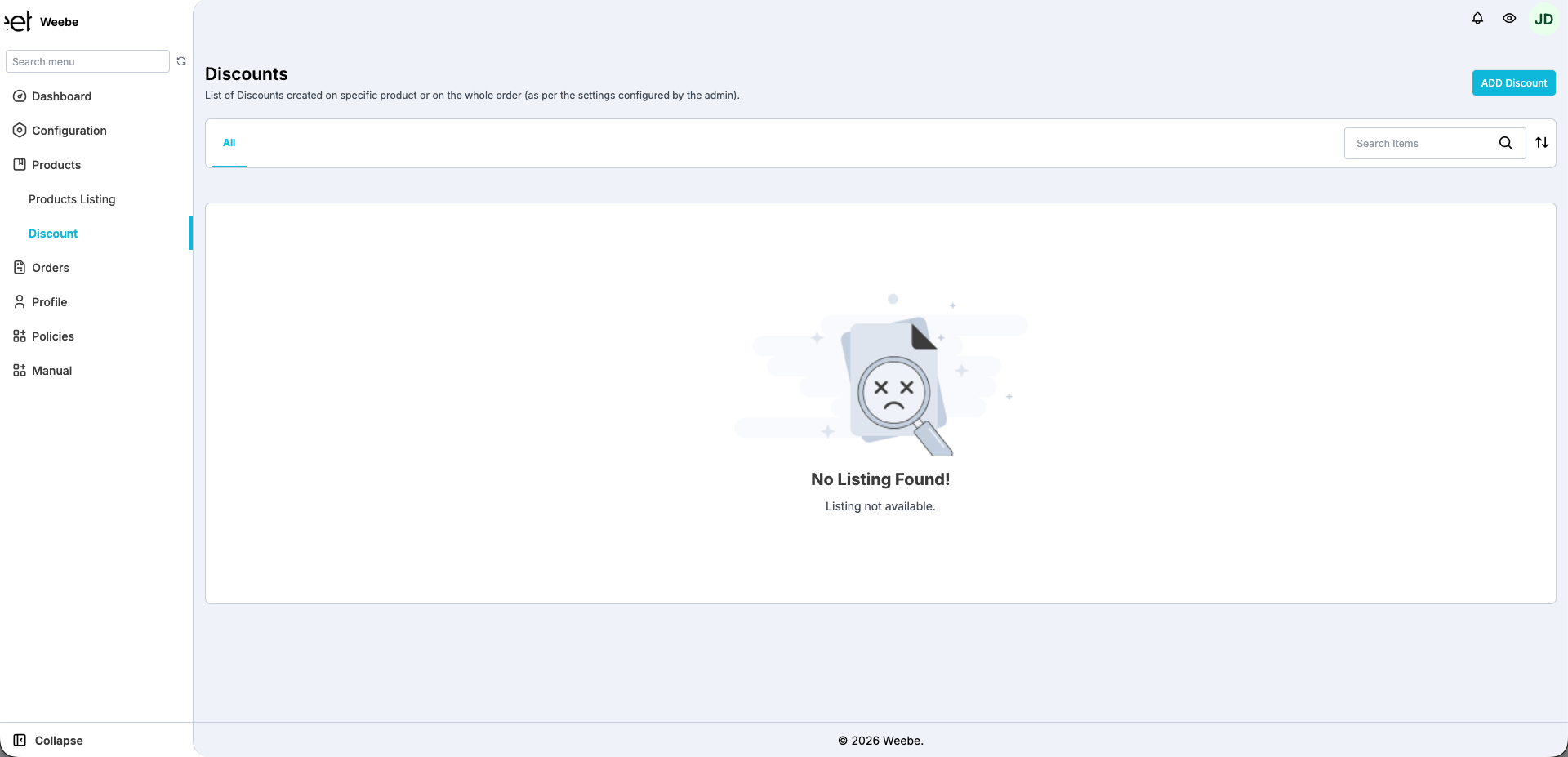
- Products Listing — view, add, edit, and manage all products
- Discount — create and manage product or order discounts
Orders
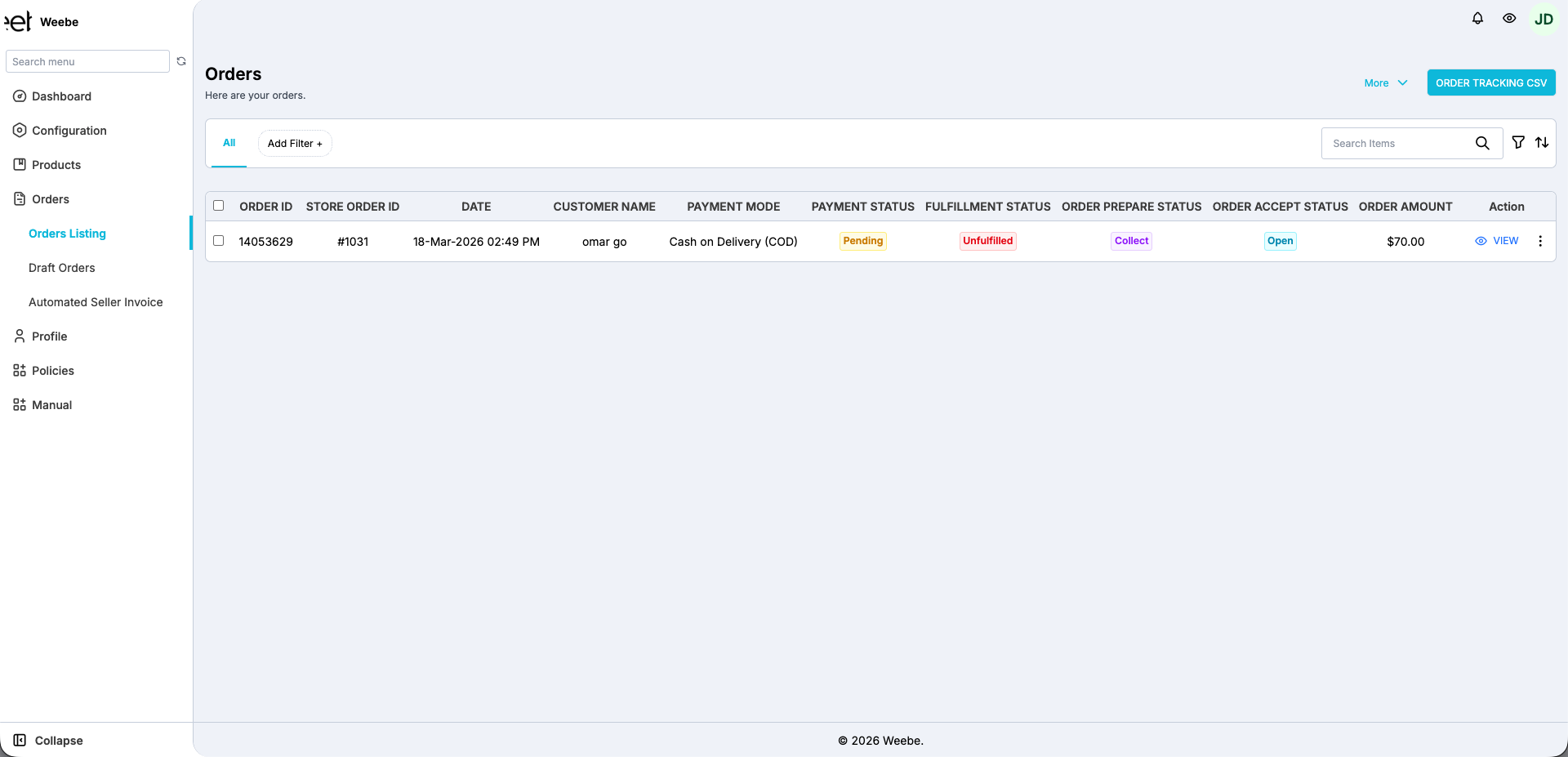
- Orders Listing — all confirmed orders; fulfil from here
- Draft Orders — incomplete or unpaid orders
- Automated Seller Invoice — invoice management and bulk generation
Profile
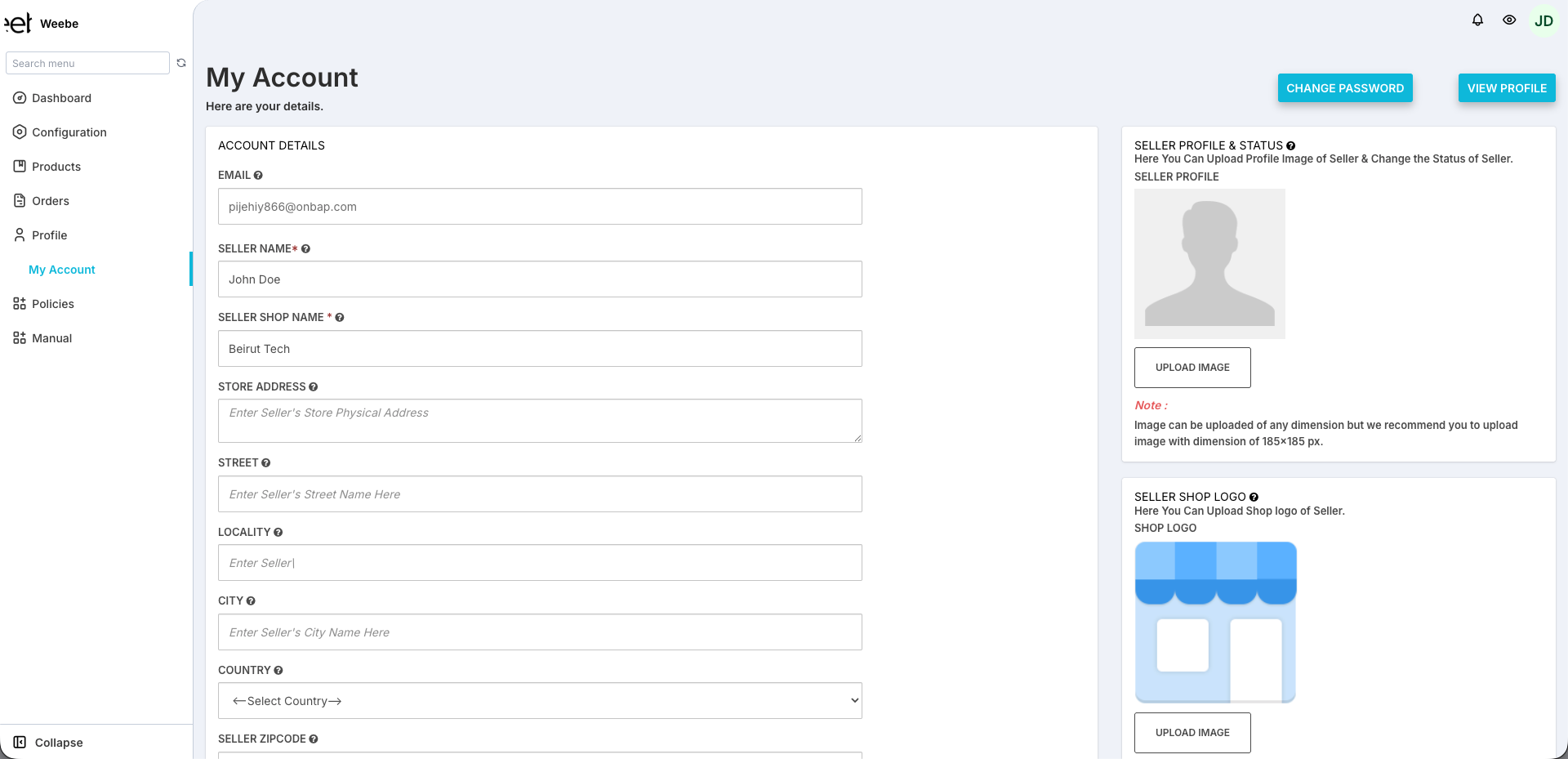
- My Account — seller name, shop name, address, profile image, shop logo, change password
Top-Right Controls
| Element | Function |
|---|---|
| Bell icon | Order and system notifications |
| Eye icon | Preview your public seller storefront |
| Account avatar | Shows your initials; access account options |
Dashboard Overview
The main dashboard shows:
My Portfolio A sales graph filterable by date range.
Store Statistics Product counts by approval status, with tabs for Overall · This Week · This Month · This Year:
- Products — total products submitted
- Approved — live on marketplace
- Disapproved — rejected (action needed)
- Approval Pending — awaiting review
Dues Your current outstanding earning amount.
Top Sold Products · Recent Orders · Out of Stock Products Quick-access panels for your most important store activity.