Managing Products
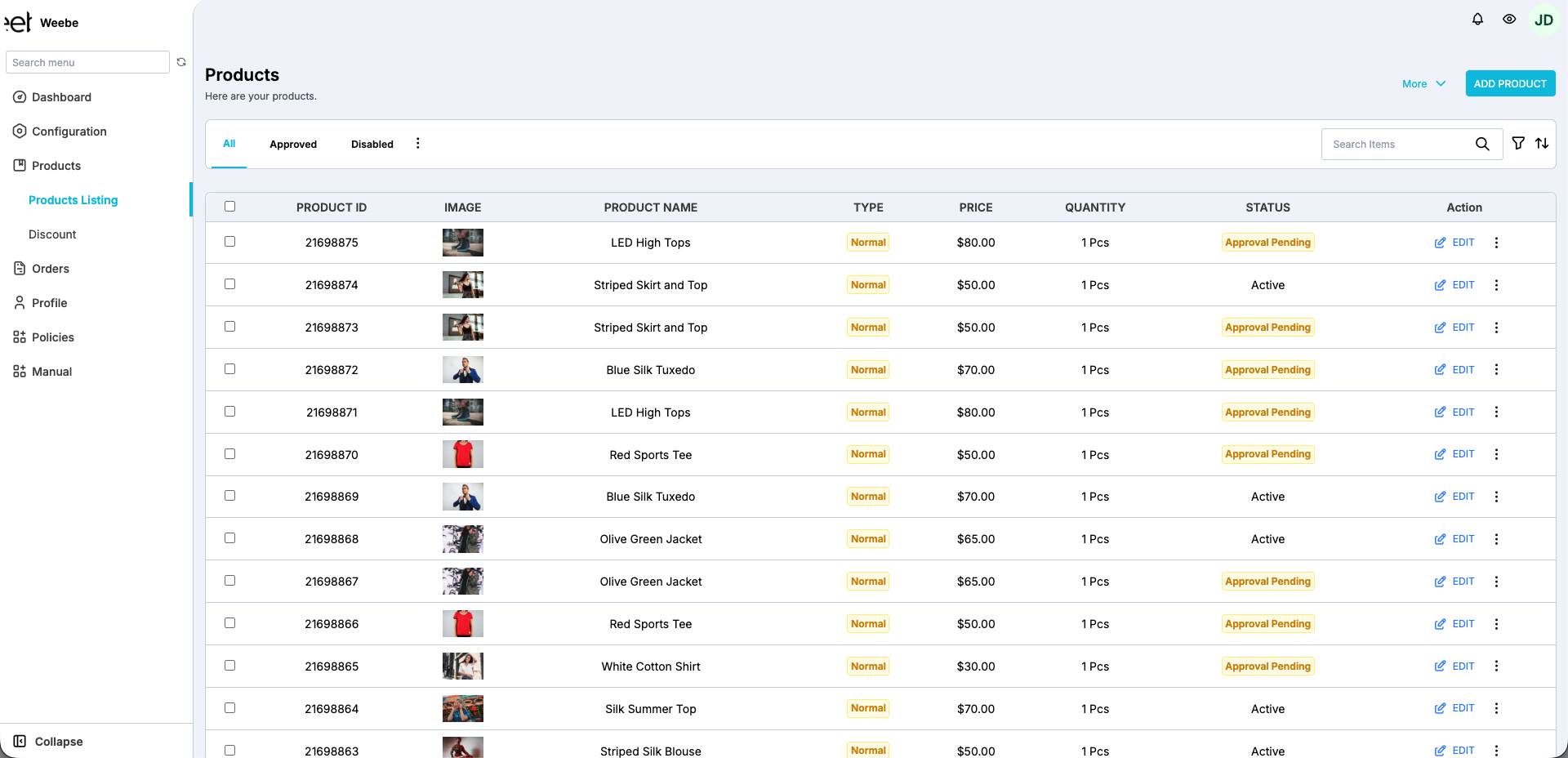
Products → Products Listing is your central view for all your product listings, their status, and bulk actions.
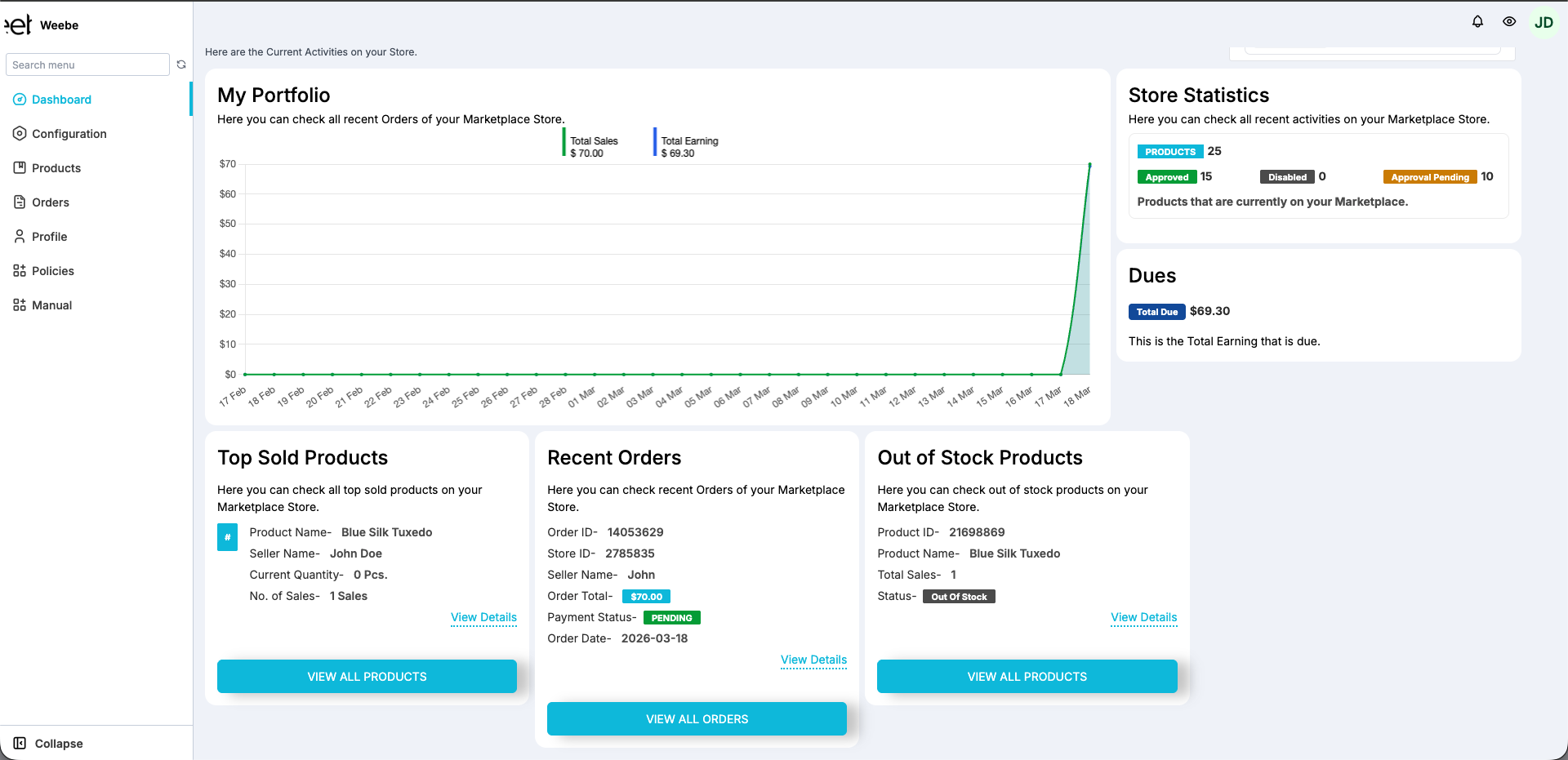
Approval Statuses
All products on Weebe go through an approval process before going live. The Store Statistics panel on your Dashboard tracks this in real time.
| Status | Meaning |
|---|---|
| Approved | Live on the Weebe marketplace, visible to customers |
| Disapproved | Reviewed and rejected — check the reason and resubmit |
| Approval Pending | Submitted, awaiting review by the Weebe team |
Products that are disapproved will include a reason from the Weebe team. Review the feedback, make the necessary changes, and resubmit.
Adding Products
From the Products Listing page you can add products via:
- + Add Product — the manual product form
- More Action → + Add Product By Csv — CSV bulk import
See Manual Upload and CSV Bulk Upload for full instructions.
Searching and Filtering
Use the Search By filter at the top of the Products Listing page to narrow results by title, SKU, status, or category.
Bulk Edit
To update multiple products at once:
- Select products using the checkboxes
- Click More Action → Bulk Edit
- Edit up to 50 products simultaneously across columns including: name, tags, product type, quantity, SKU, barcode, weight, compare price, prices, and inventory
Editing Products
For full editing instructions — including bulk edit and synced-store products — see Editing Products.
Inventory & Stock
For full stock management instructions — including out-of-stock handling and per-platform sync behaviour — see Inventory Management.