Discounts
Go to Products → Discount to create and manage discounts on your products.
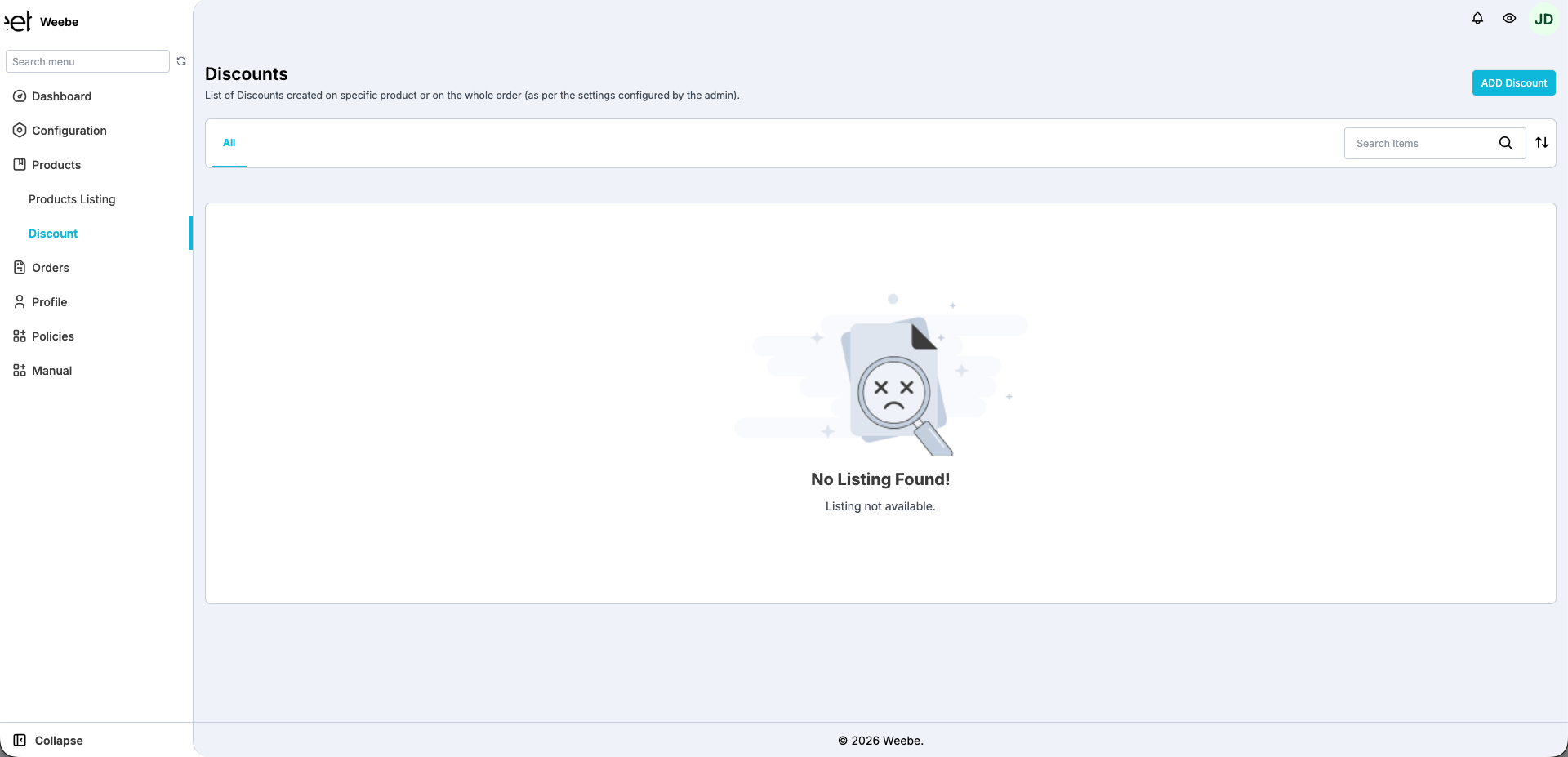
Creating a Discount
Click Add Discount to open the discount form.
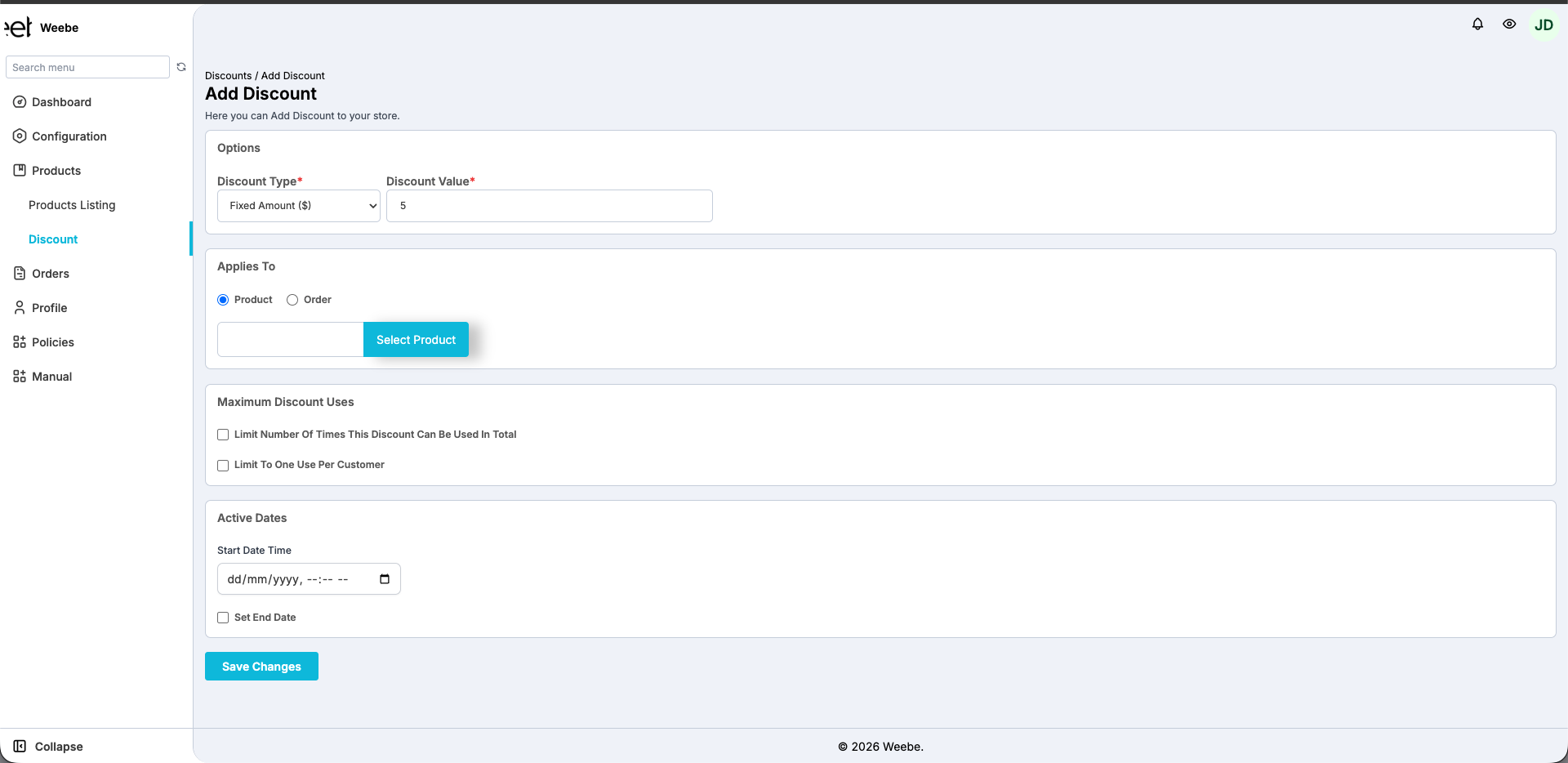
Options
| Field | Description |
|---|---|
| Discount Type | Fixed Amount ($) or Percentage (%) |
| Discount Value | The amount or percentage to discount |
Applies To
Choose whether the discount applies to a specific Product or an entire Order.
- Product — click Select Product to choose which product the discount applies to
- Order — the discount applies to the full order total
Maximum Discount Uses
| Option | Description |
|---|---|
| Limit Number of Times This Discount Can Be Used In Total | Caps how many times the discount can be redeemed across all customers |
| Limit To One Use Per Customer | Each customer can only use the discount once |
Active Dates
Set a Start Date Time for when the discount becomes active. Optionally check Set End Date to make the discount expire automatically.
Click Save Changes when done.
Compare At Price (Sale Pricing)
To show a product as "on sale" without creating a discount, set a Compare At Price higher than the selling Price in your product form. The original price appears crossed out on the product listing.
TTC pricing required
Both Price and Compare At Price must be after-tax (TTC — Toutes Taxes Comprises). Pre-tax (HT) prices are not accepted on Weebe.
See Editing Products for how to set this field.