Logging In
Your Weebe vendor dashboard is at seller.weebe.co. You will receive your login credentials (email address and temporary password) from the Weebe team before your first login.
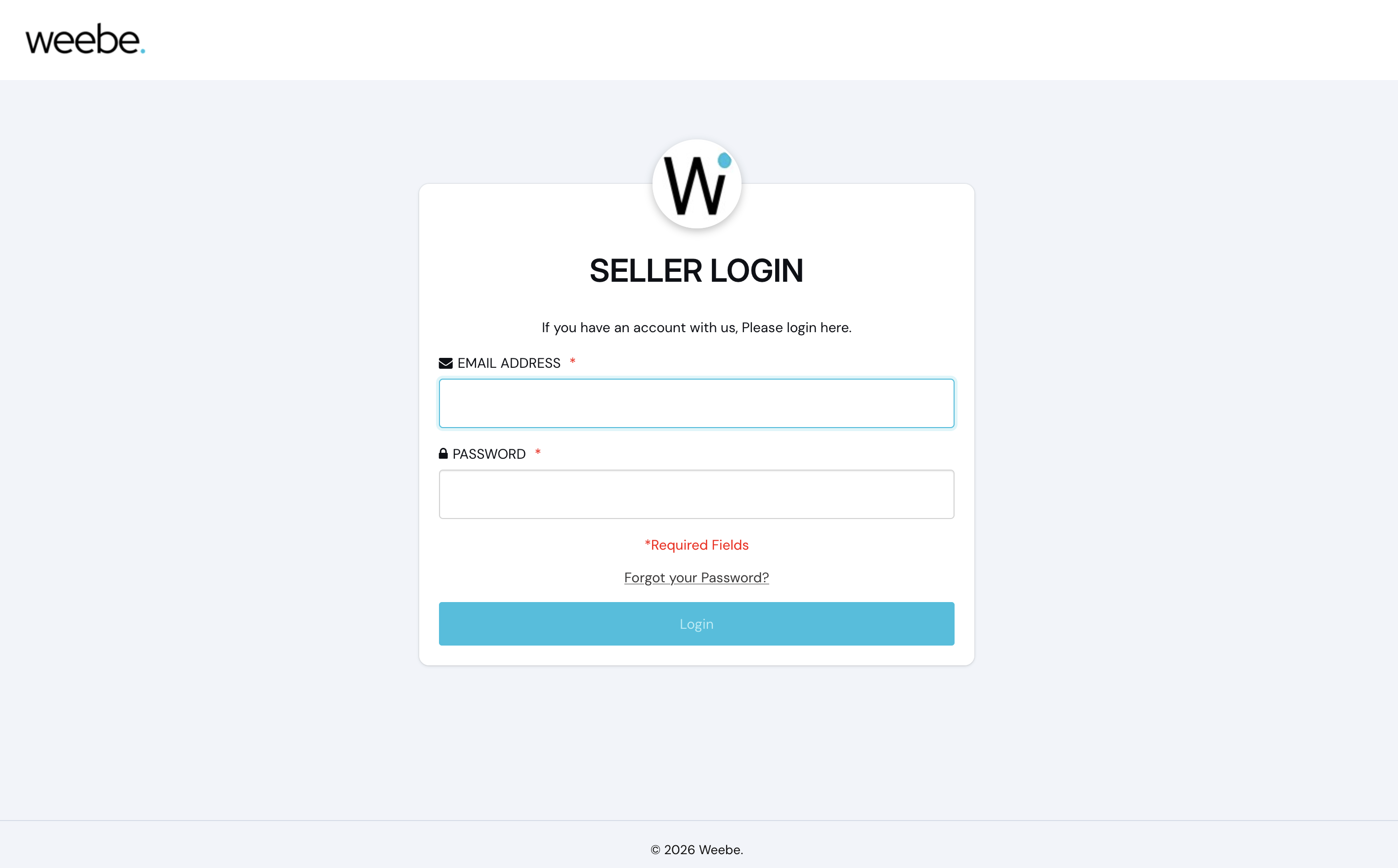
Steps
- Open seller.weebe.co in your browser
- Enter your Email Address
- Enter your Password
- Click Login
On your first login, change your temporary password immediately. Go to Profile → My Account and click the Change Password button. See Changing Your Password.
Forgot Your Password?
Click Forgot your Password? on the login page. A reset link will be sent to your registered email address. Follow the link to set a new password.
If you do not receive the email within a few minutes, check your spam folder or contact seller@weebe.co.
After Logging In
Once logged in you land on the Dashboard, which shows:
- My Portfolio — a graph of your recent sales activity
- Store Statistics — counts of your products by approval status (Overall / This Week / This Month / This Year)
- Dues — your total earnings and amount currently due
The left sidebar gives you access to all areas: Dashboard · Configuration · Products · Orders · Profile · Policies · Manual