Changing Your Password
From My Account
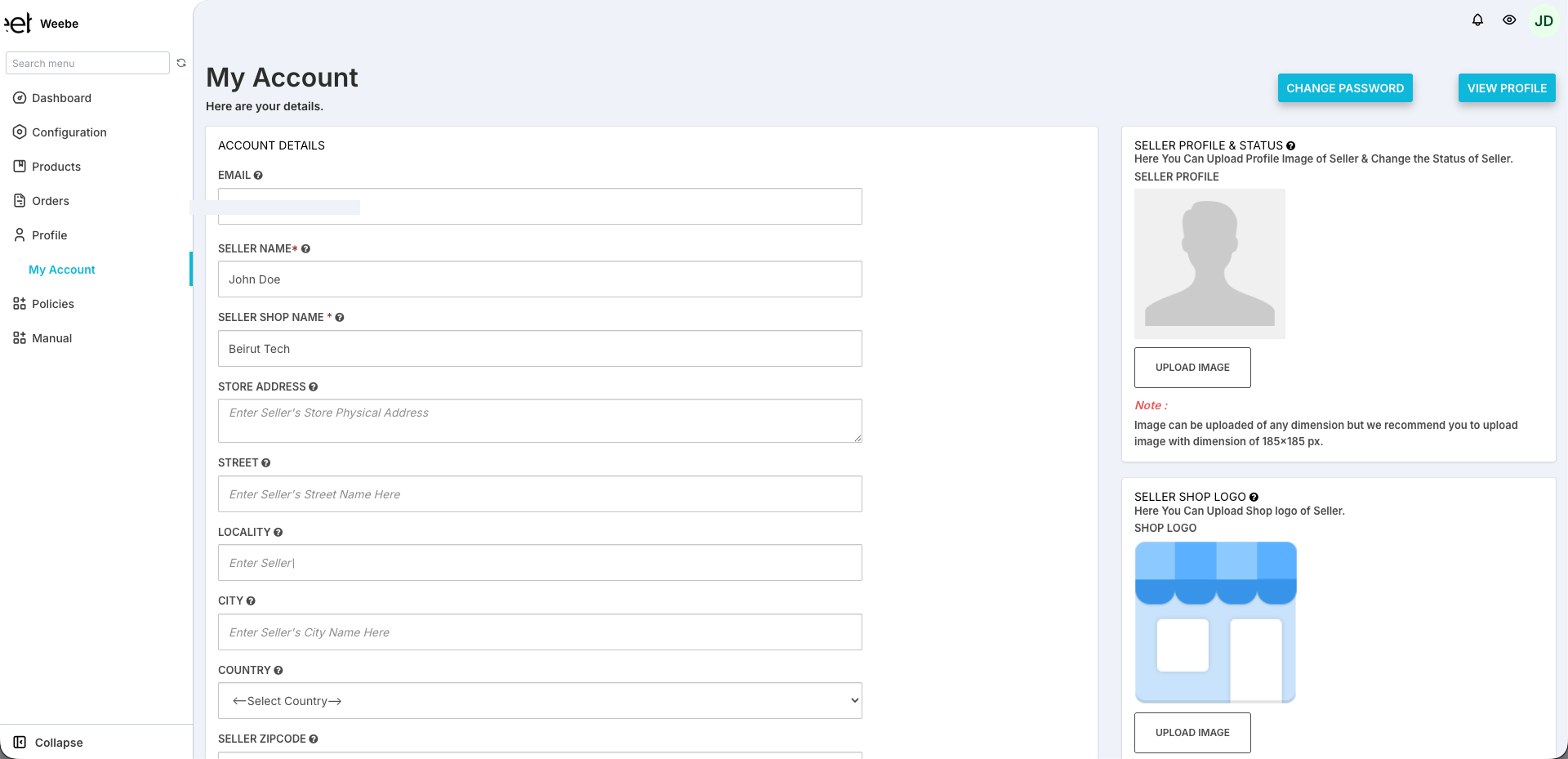
- Log in to seller.weebe.co
- Go to Profile → My Account in the left sidebar
- Click the Change Password button (top-right of the page)
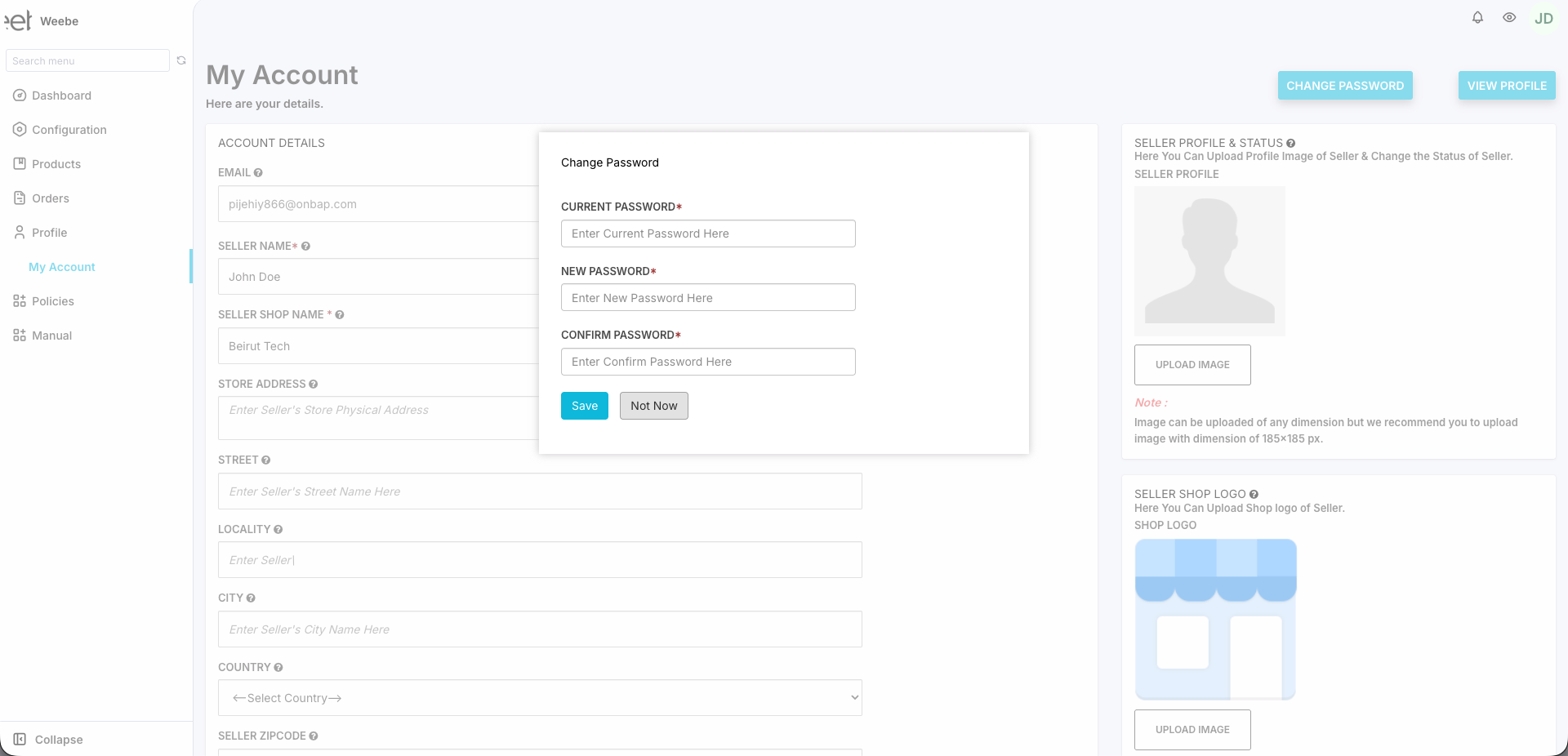
- Enter your Current Password, New Password, and Confirm Password
- Click Save
Password Tips
- Use at least 8 characters
- Mix uppercase and lowercase letters
- Include at least one number and one special character
- Do not reuse passwords from other accounts
Forgot Your Password (Locked Out)?
- Go to seller.weebe.co
- Click Forgot your Password? on the login page
- Enter your registered email address
- Follow the reset link sent to your inbox
caution
If you don't receive the reset email within 5 minutes, check spam. Still not received? Contact seller@weebe.co.