Invoice Configuration
Your invoice details appear on all customer invoices generated by the platform. Set these up before fulfilling your first order.
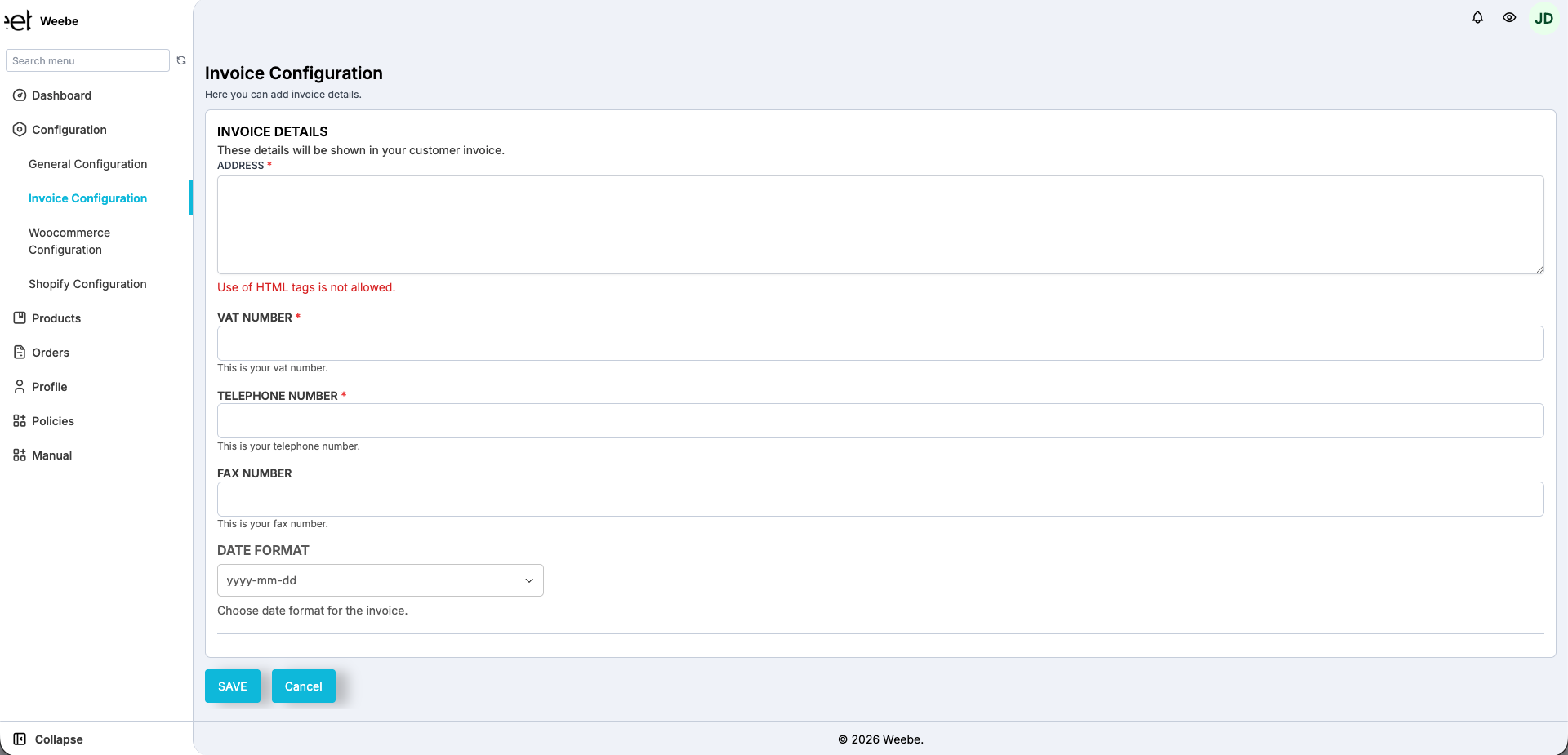
Accessing Invoice Configuration
Go to Configuration → Invoice Configuration in the left sidebar.
Fields
| Field | Required | Description |
|---|---|---|
| Address | Yes | Your business address shown on invoices. Plain text only — HTML tags are not allowed. |
| VAT Number | Yes | Your VAT registration number |
| Telephone Number | Yes | Business phone number shown on invoices |
| Fax Number | No | Fax number, if applicable |
| Date Format | No | Format used for dates on invoices (default: yyyy-mm-dd) |
Saving
Click Save at the bottom of the page.
tip
If your business is VAT-registered, adding your VAT number ensures invoices are legally compliant. Customers may request VAT invoices for their own records.
Related: General Configuration
Under Configuration → General Configuration you can enable CC Mail for Order Notifications — when toggled on, you receive a copy of every order confirmation email.